Loading...
Loading...
A focused product experience exploring interface architecture, workflow clarity and interaction design through a high-fidelity Figma system.
Complex technical simulation software frequently overwhelms users with fragmented tables, unstandardized form inputs, and disjointed status monitoring.
Design an ergonomic, scalable SaaS design system in Figma balancing high data density, clear visual feedback, and modular token architecture.
Implementation
We structured a complete UI/UX blueprint spanning high-density scheduler tables, multi-step parameter setup flows, responsive modal overlays, and a consistent green-accented design system.
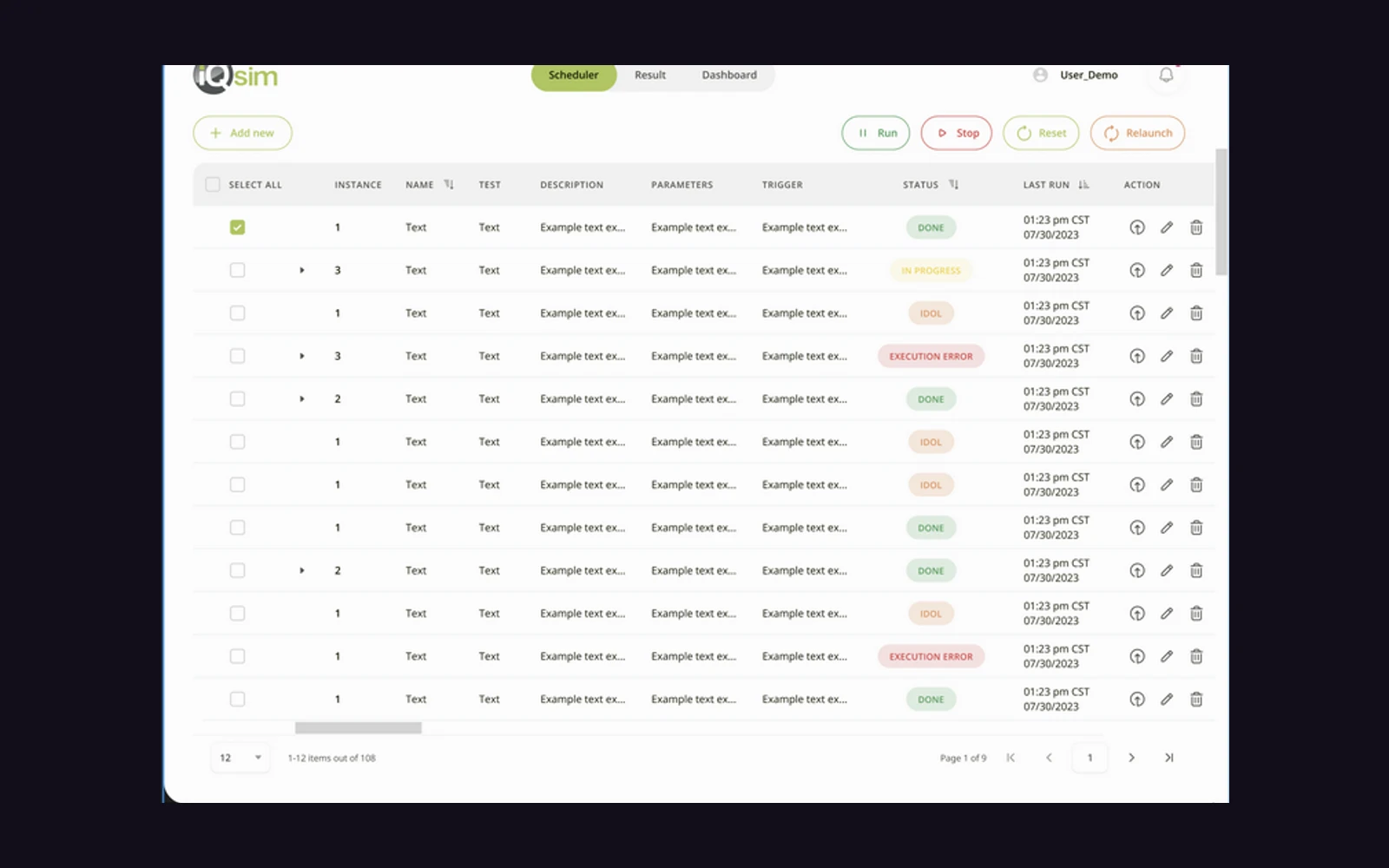
High-density data table system with batch execution and real-time status badges
Modular stepper and parameter forms configured for multi-tier technical workflows
Reusable Figma component token library synced across light and dark interfaces
Complete user journey mapping from authentication to complex task scheduling
Clean white surface cards, lime green accents (#84CC16 / #65A30D), subtle drop shadows, 30px rounded corners, and spatial 3D spherical visual assets.
Figma Component Sets, Auto Layout 5.0, Design Tokens, Interactive Prototyping, and Vector UI Systems.
Project Outcomes
Key delivery outcomes achieved through this sprint architecture.
Comprehensive component tokens and auto-layout frames
Interface architecture, interaction flows, and research boards
Tabular scheduling, multi-instance controls, and task setups
All source files, project assets, and documentation delivered to the client.
Project Gallery & Visual Exploration
A curated 6-asset suite spanning brand identity, visual systems, packaging, and high-resolution editorial assets.
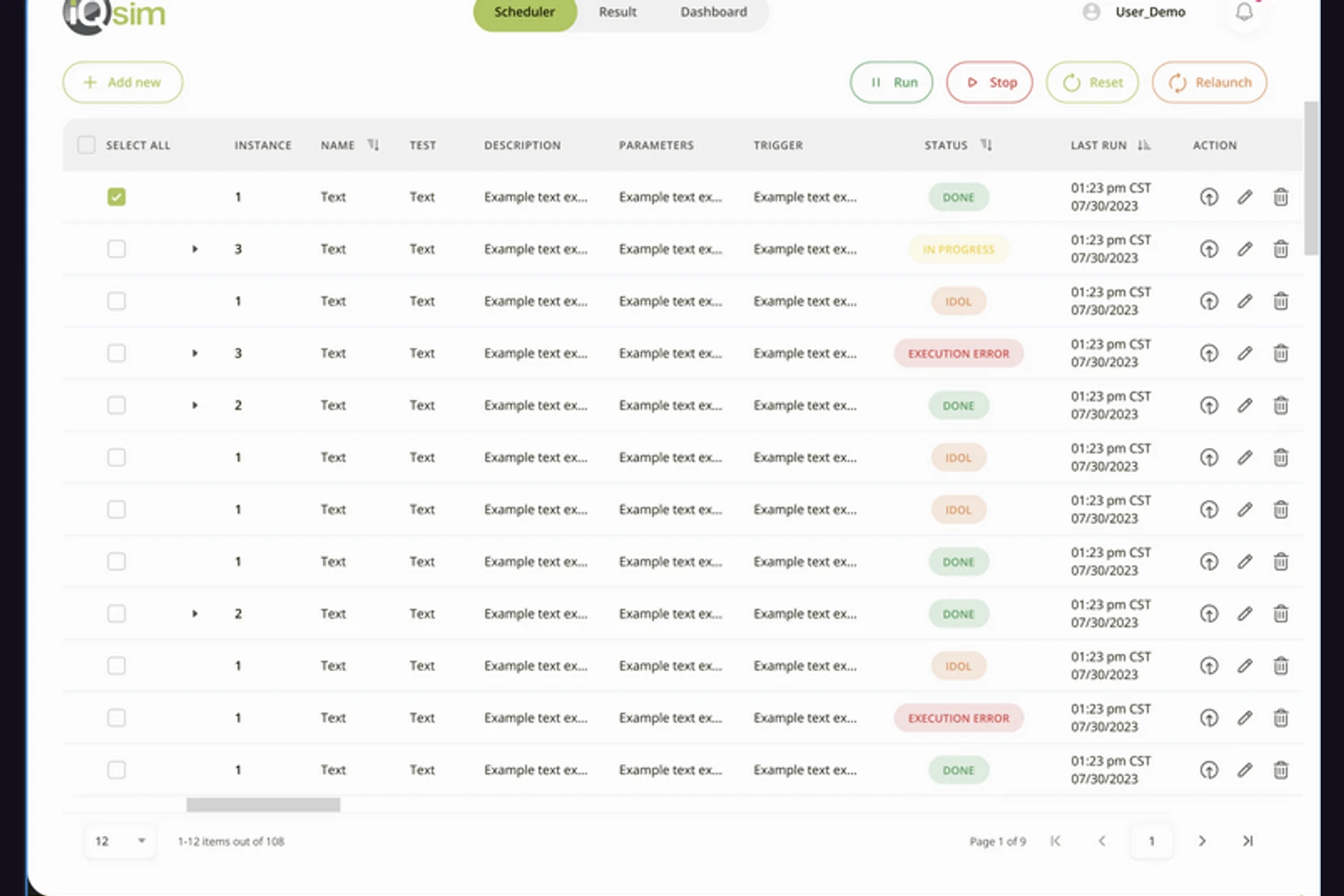
Tabular simulation scheduler with multi-instance states, execution controls, and batch action toolbars.
Click to expand full resolution
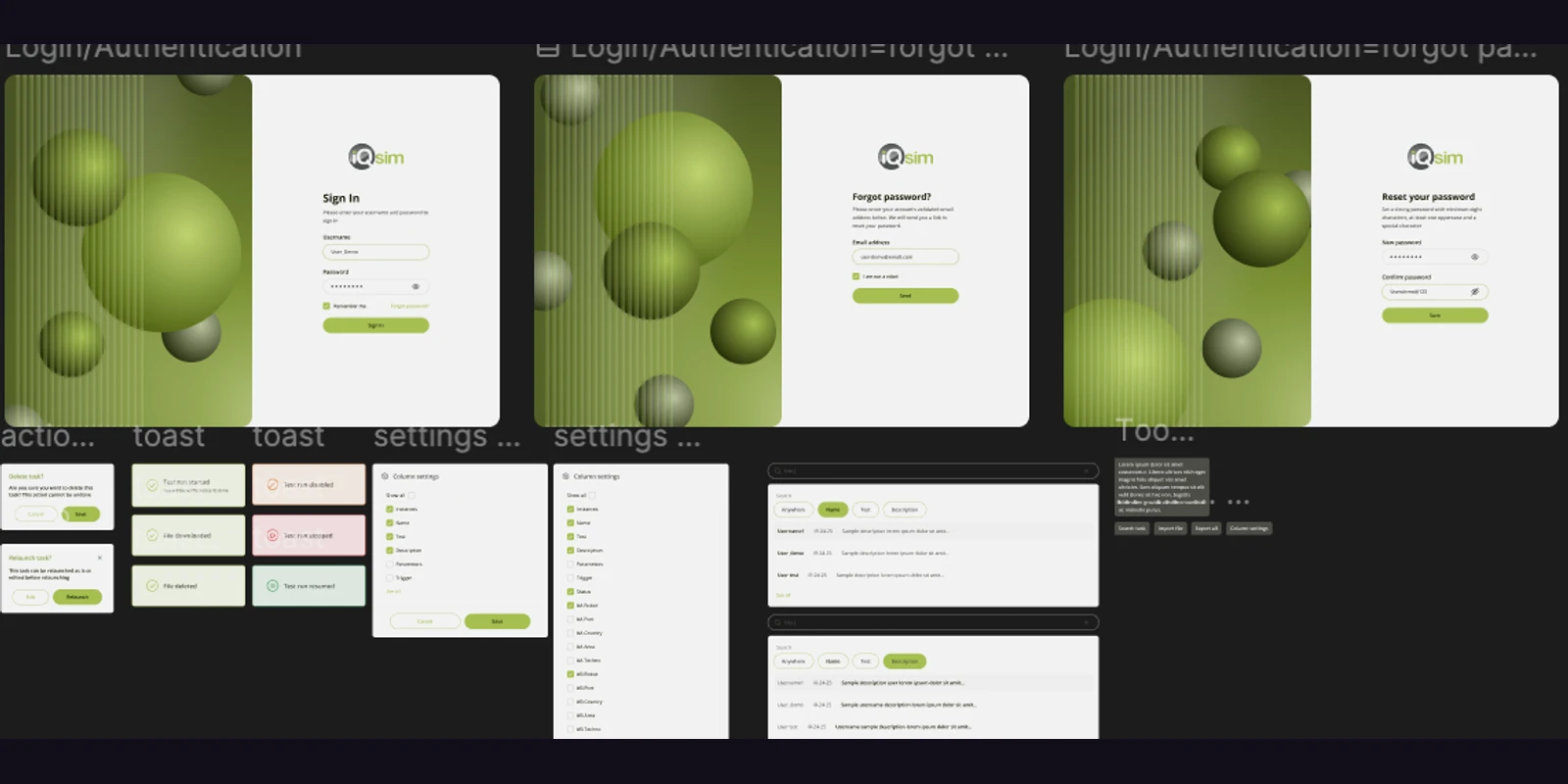 Image 02
Dual-pane authentication flow pairing green spherical 3D assets with accessible password reset and sign-in modules.
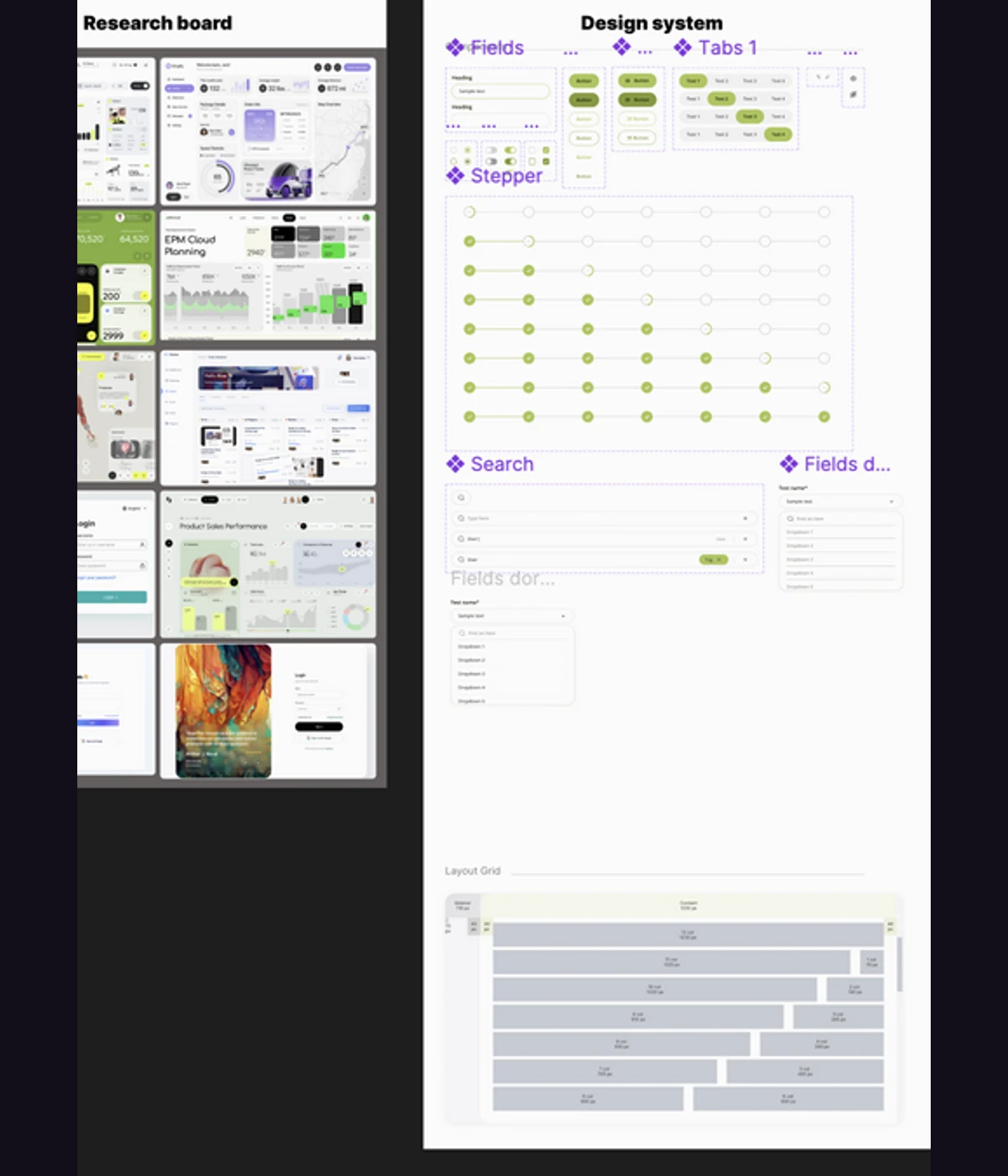 Image 03
Atomic component tokens covering steppers, dropdowns, buttons, search bars, and responsive layout grids.
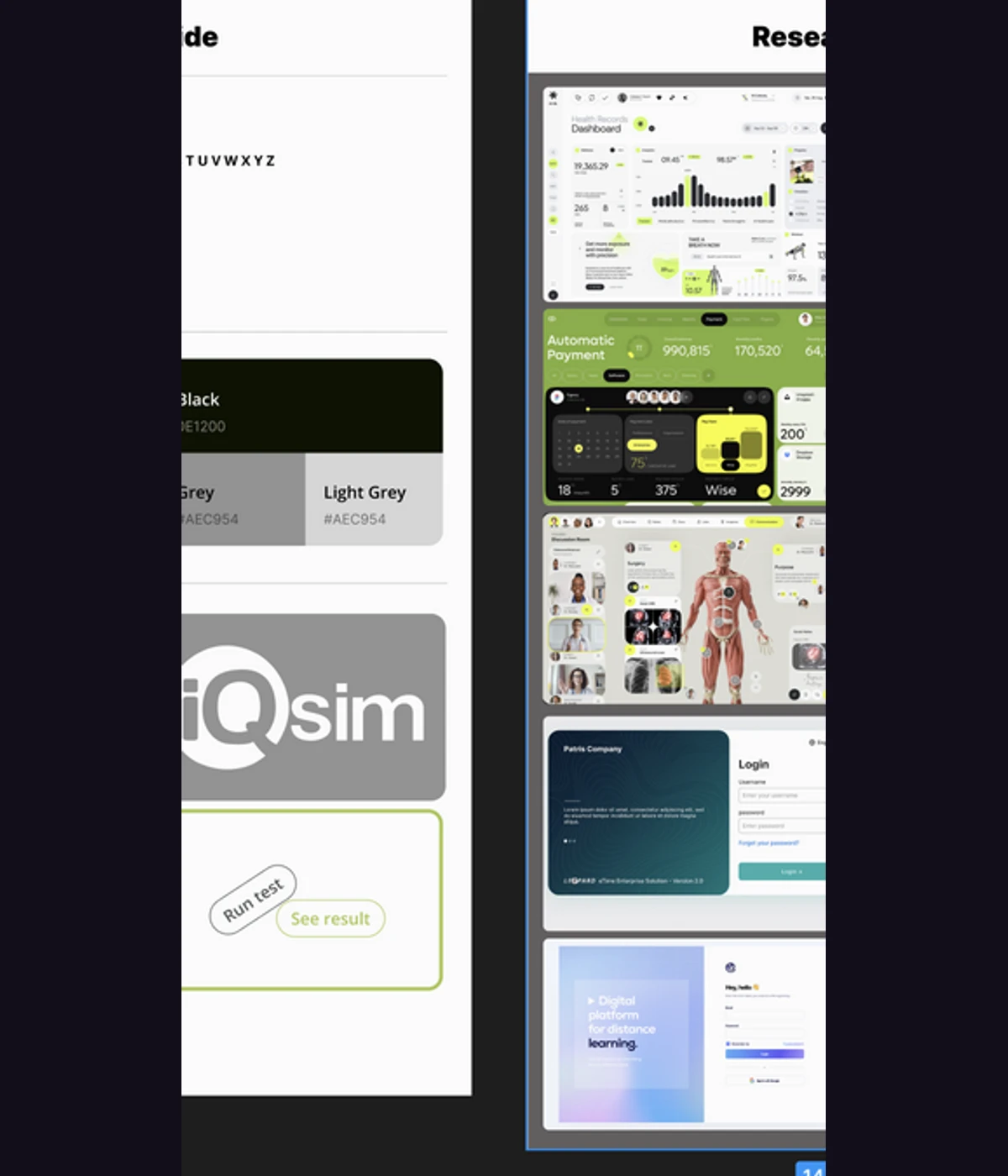 Image 04
Competitive benchmark board analyzing enterprise dashboard ergonomics, dark/light contrast, and health records layouts.
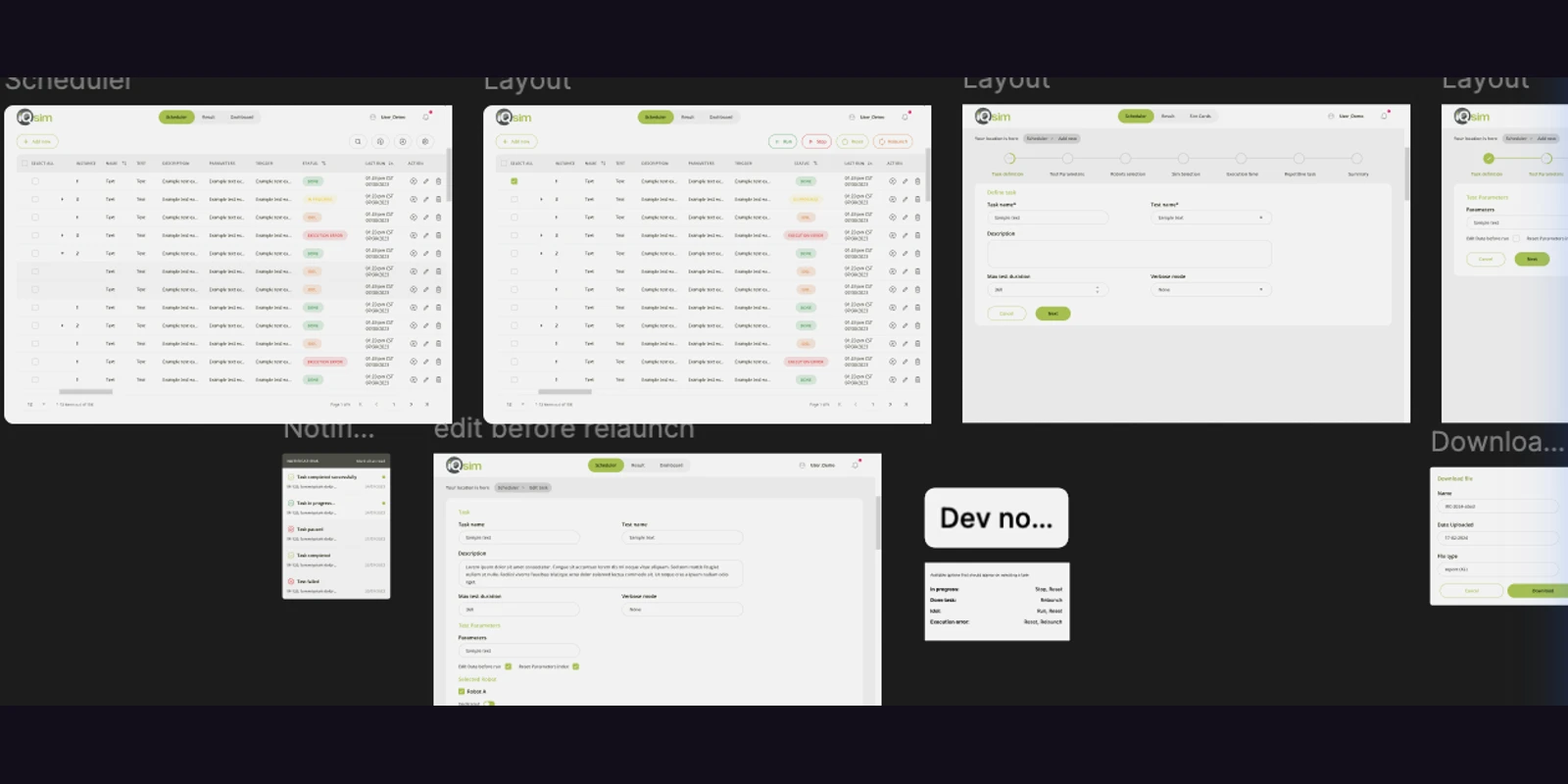 Image 05
Multi-stage task parameter configuration, timeline scheduling, and simulation launch parameters.
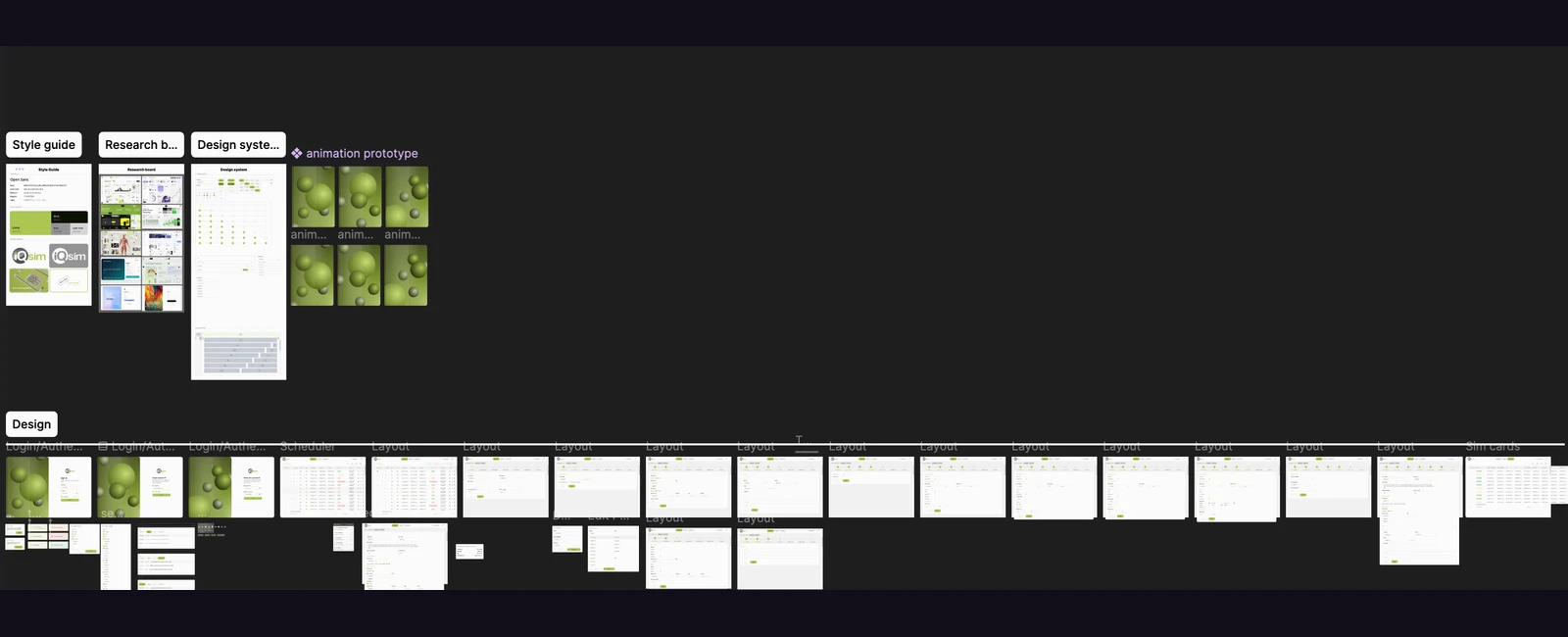 Image 06
End-to-end Figma canvas mapping out multi-step user journeys, modals, toast alerts, and layout variants.
Interactive Figma Workspace
Click below to stream the live vector workspace directly inside Pitchsol, or open it natively in Figma for full inspection.
Inspect vector components, autolayout token hierarchies, interactive states, and design frames directly inside the Figma workspace.
Studio Capabilities
Explore how our craft squads bring these storytelling and technical formats to life for your brand.
More Digital Products
Scalable software product architecture designed around real customers, workflows and recurring usage.
Mobile AppsProduct experiences translated into fast, focused mobile workflows across iOS and Android.
MVP BuildA focused product foundation designed to move an idea from concept toward real-world validation.
Start Your Engagement
From the first concept to the final product, campaign, or cinematic—let's engineer something worth remembering.
Remote-First · Global Studio · Rapid Discovery